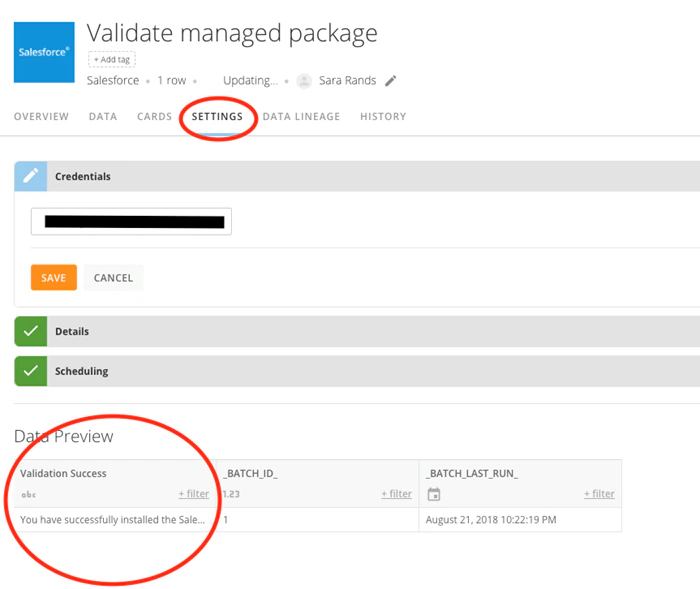
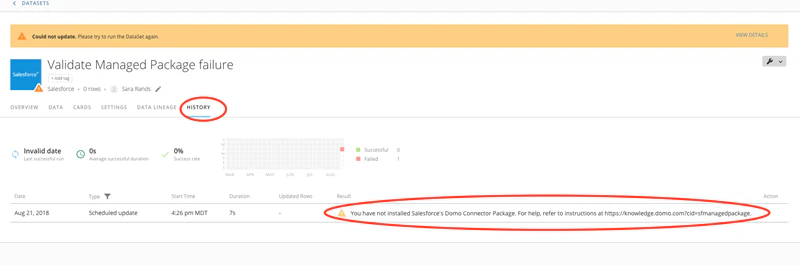
The “Domo Connector Package” found in Salesforce AppExchange allows Salesforce users to import their data into Domo. Follow the instructions in this article to download and install the Connector Package from the AppExchange. Note: If the Managed Package is installed successfully, both old and new Salesforce DataSets will work without changes.Documentation Index
Fetch the complete documentation index at: https://domoinc-jkreitzman-patch-1.mintlify.app/llms.txt
Use this file to discover all available pages before exploring further.
Production Environment
To install Domo’s Salesforce Managed Package in the Production Environment:- Log in to Salesforce.
-
Navigate to the Salesforce AppExchange at https://appexchange.salesforce.com, search for “Domo Connector Package,” then click the package.
Alternatively, you can go directly to https://appexchange.salesforce.com/a…A00000EcrsyUAB.

- Click Get It Now.

-
Click Install in Production.

-
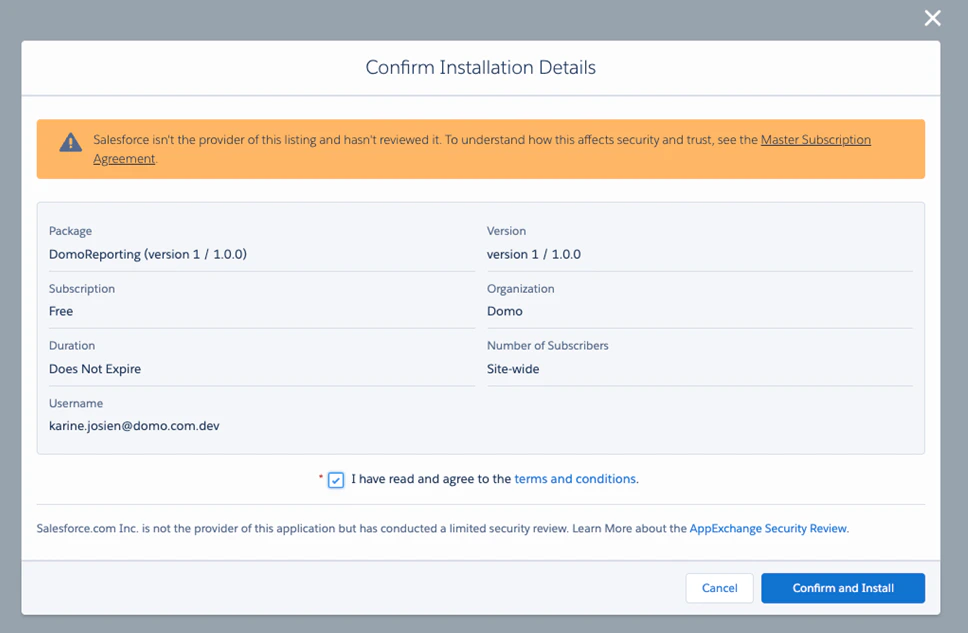
Select the I have read and agree to the terms and conditions checkbox, and click Confirm and Install.
For more details, see Salesforce’s documentation at https://help.salesforce.com/articleV…ges.htm&type=5.
Sandbox Environment
To install Domo’s Salesforce Managed Package in the Sandbox Environment:- Log in to Salesforce.
-
Navigate to the Salesforce AppExchange at https://appexchange.salesforce.com, search for “Domo Connector Package,” then click the package.
-
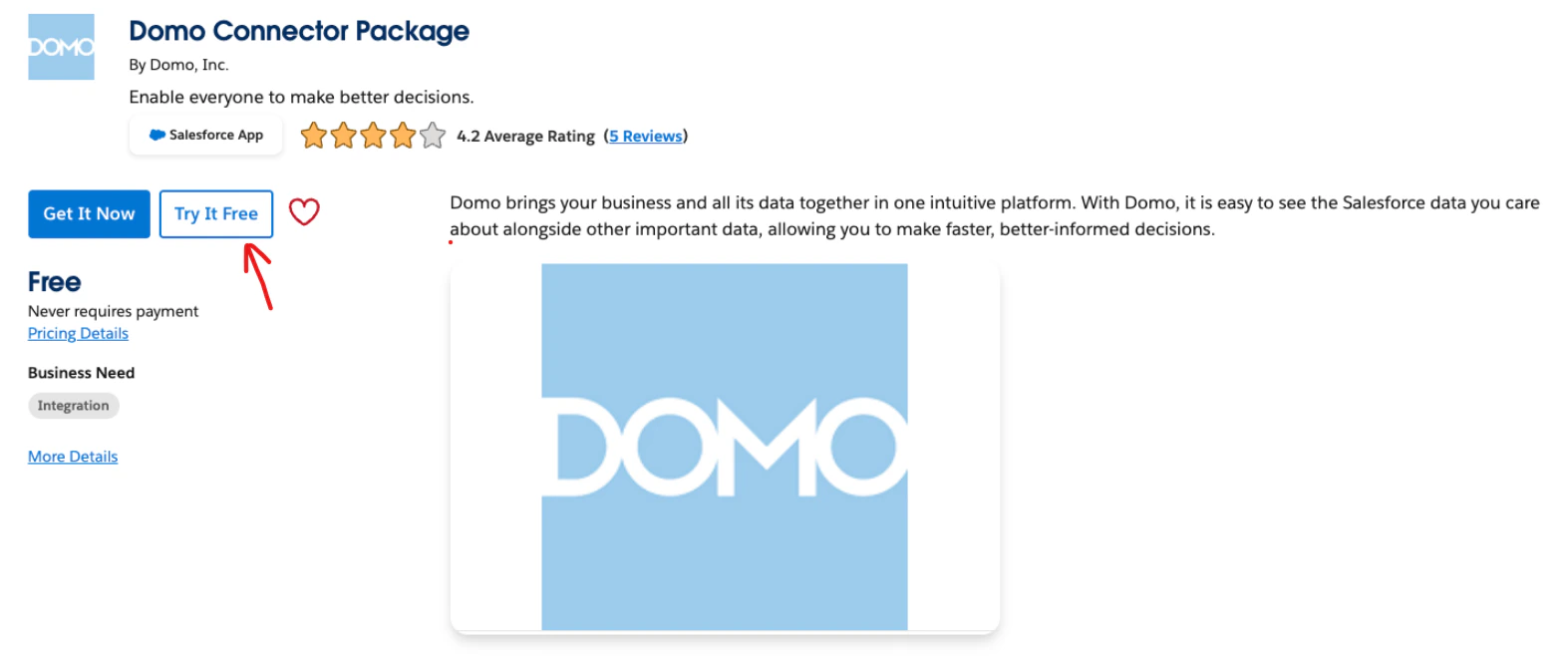
Click Try It Free.
-
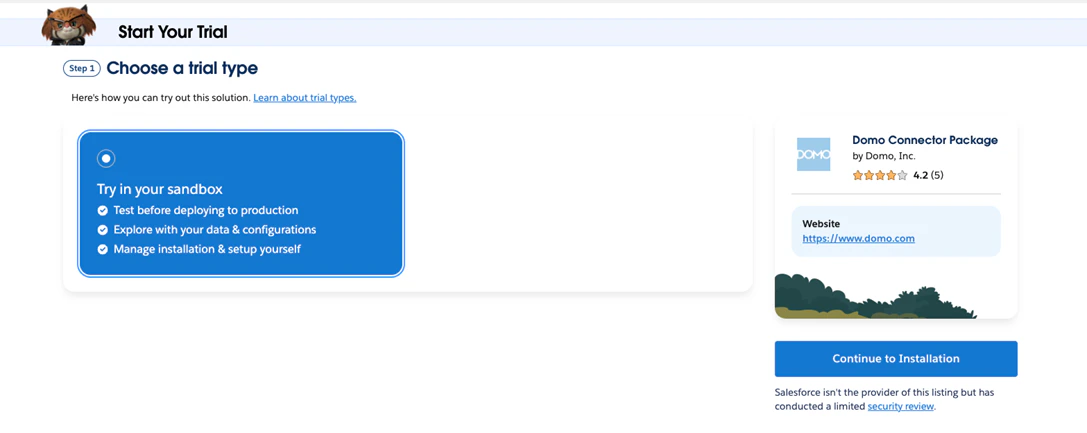
Click Continue to Installation.
-
Click Log In & Install.

Verifying your Installation
Use Domo’s Salesforce Managed Package Validator to verify that your Salesforce Managed Package has been installed correctly. To verify your installation,-
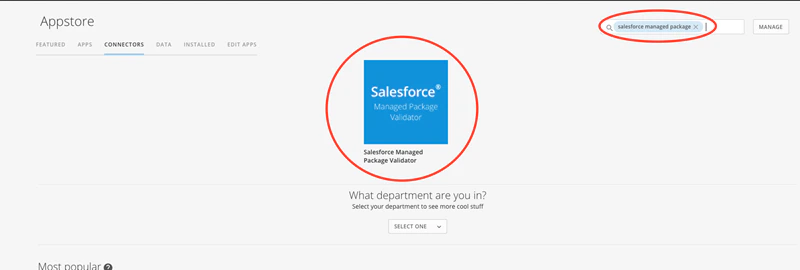
In the Connectors page in either the Data Center or Appstore in Domo, search for “Salesforce Managed Package” and double-click on on the icon.
-
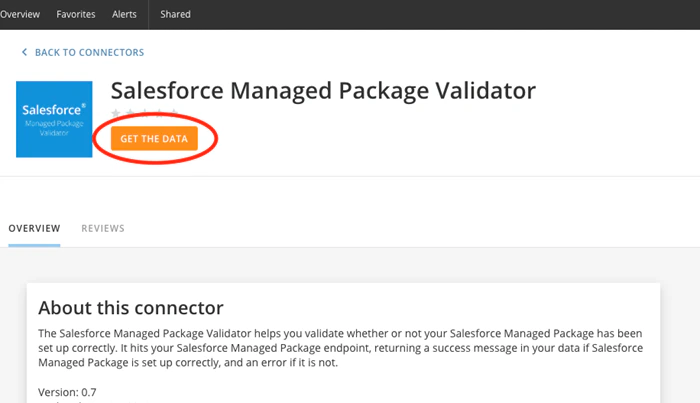
Click
Get the Data.
-
Under
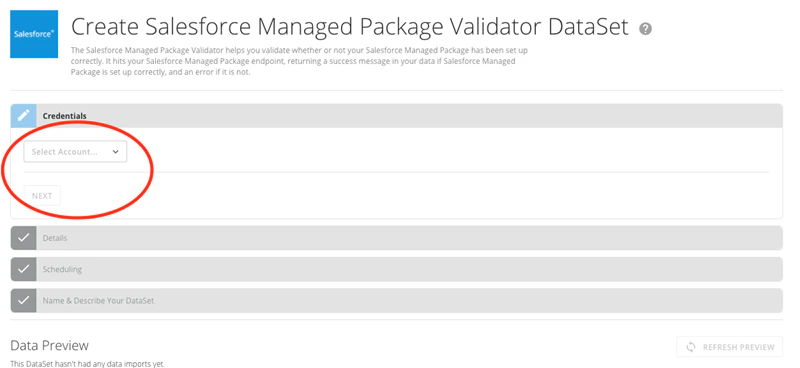
Credentials, select your Salesforce account name, then click Next.
-
Under
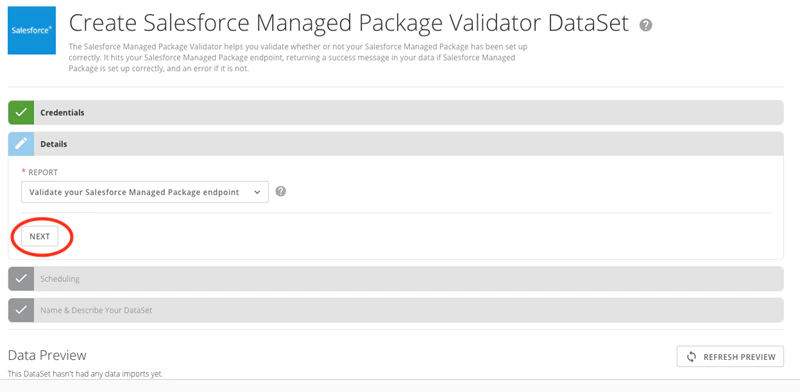
Details, click Next.
-
In the
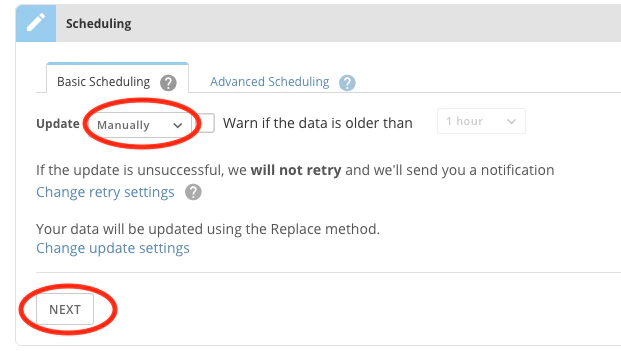
Update menu, select Manually, then click Next.
-
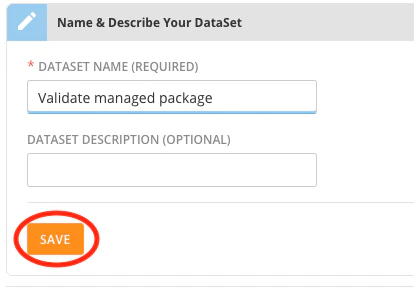
Give your DataSet a name, then click
Save.